Instagram design · 22 Mar 2026 · 3 min read
Instagram Post, Story and Reel Sizes: The Complete 2026 Cheat Sheet
The correct Instagram sizes for posts, stories, Reels, covers and profile photos, with safe zones so nothing gets cropped.
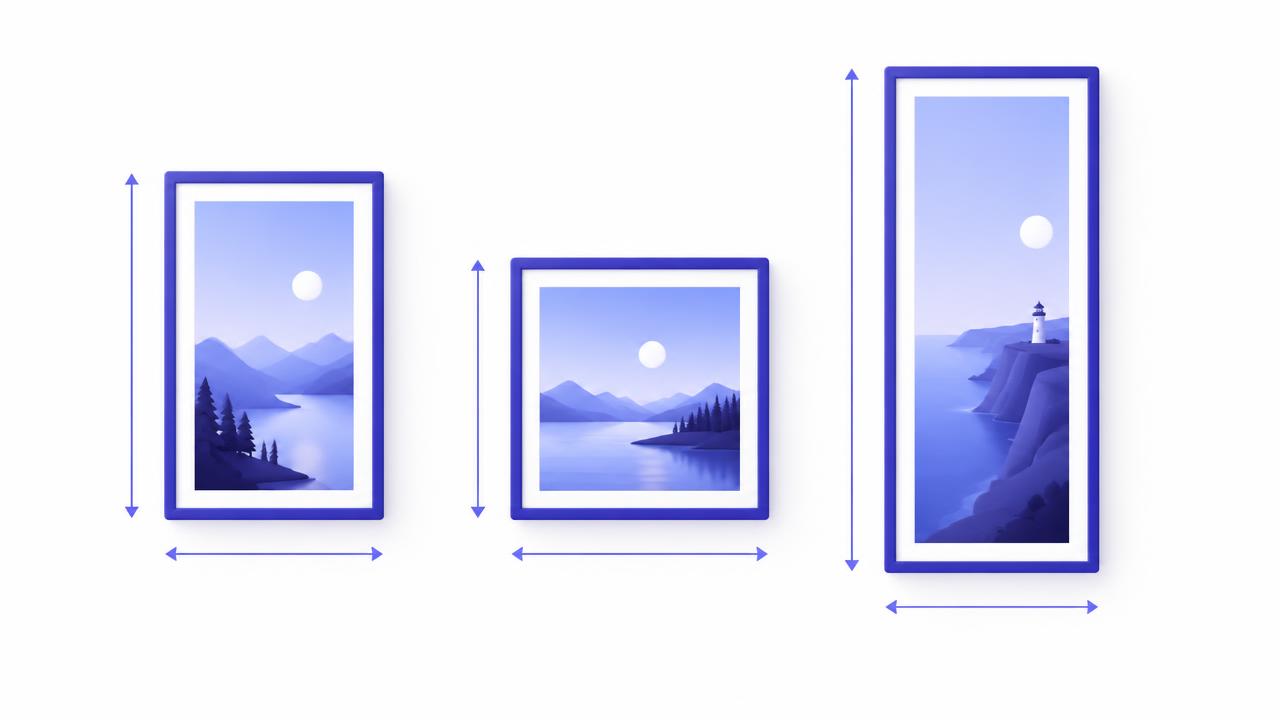
Nothing looks worse than a great thumbnail with the title cut off. Getting the size right takes seconds, and it makes your page look professional. Instagram updates its layouts from time to time, so treat these as the commonly used sizes and check the app if something looks off.
Quick size table
| Format | Recommended size | Aspect ratio |
|---|---|---|
| Reel | 1080 x 1920 px | 9:16 |
| Story | 1080 x 1920 px | 9:16 |
| Portrait post | 1080 x 1350 px | 4:5 |
| Square post | 1080 x 1080 px | 1:1 |
| Landscape post | 1080 x 566 px | 1.91:1 |
| Profile photo | 320 x 320 px minimum, shown as a circle | 1:1 |
Reels and Stories: safe zones
The app places your username, caption and buttons over the video. Keep your important text and faces away from the very top and bottom of the frame. A good habit is to leave roughly the top 250 pixels and the bottom 350 pixels free of key text.
Posts: which shape should you choose?
- Portrait (4:5) takes the most space in the feed, so it is often the best choice for thumbnails and story posters.
- Square (1:1) is safe and works everywhere.
- Landscape shows smaller on phones, so use it only when the image needs it.
Profile grid
Instagram profile grids can show posts as tall thumbnails, so keep the main subject and title near the center of the image.
Profile picture
Your profile photo is displayed as a circle. Put your logo or mascot in the middle and keep small text away from the edges, because they get cropped.
Tips for sharper images
- Export at the recommended size instead of uploading a huge file
- Use JPG for photos and PNG for graphics with sharp text
- Keep text large enough to read on a small phone screen
- Preview on your phone before posting
Resize in one click
Use our free Image Resizer to fit any image to these presets. It runs in your browser, so your images never leave your device.