Instagram design · 18 Mar 2026 · 5 min read
Stylish Instagram fonts: how to use them without hurting reach
Unicode fonts make bios and captions stand out, but they have real accessibility and search costs. Here is how to use them safely.
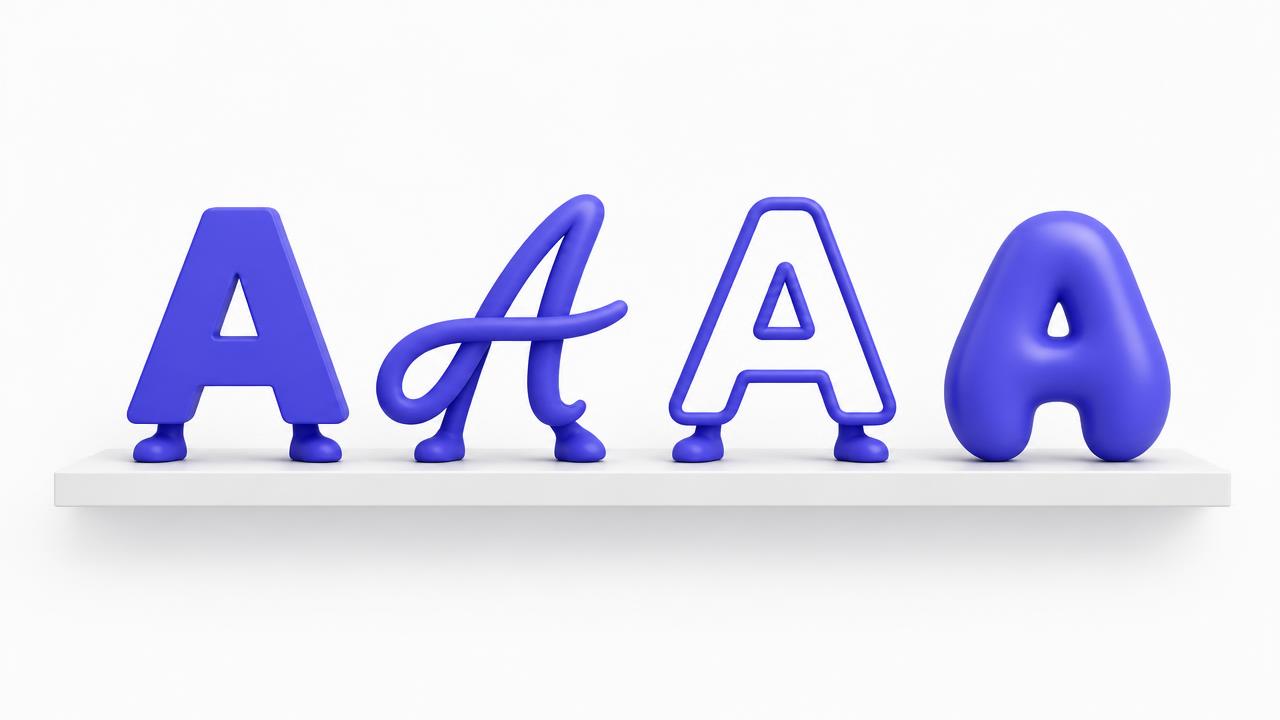
Those 𝒷ℴ𝓁𝒹 and 𝕕𝕠𝕦𝕓𝕝𝕖-𝕤𝕥𝕣𝕦𝕔𝕜 letters you see in bios are not fonts at all — they are Unicode characters that happen to look like styled Latin letters. That is why they paste anywhere. It is also why they come with real costs that most creators never hear about.
The search problem
Instagram search matches normal text. If your name or niche keyword is written in a decorative Unicode style, searching for it finds nothing. A page called '𝕽𝖆𝖏 𝕾𝖙𝖔𝖗𝖎𝖊𝖘' is invisible to anyone typing 'Raj stories'. Keep your name and your main keyword in plain text, always.
The accessibility problem
Screen readers — used by visually impaired people and, increasingly, by people listening to content — often read styled Unicode as gibberish or spell it out letter by letter. A whole bio in script font is literally unreadable to part of your audience.
Where stylish fonts are safe
Used sparingly, they are a genuine design tool. Safe spots: one decorative word in your bio, a divider line between sections, a short heading inside a long caption, or a single emphasised word in a comment. The rule of thumb: if the word carries information someone might search for or need to hear, keep it plain.
Hindi text stays plain
Unicode font tricks only exist for Latin letters. Devanagari has no 'bold script' Unicode twin, so Hindi text passes through font generators unchanged. For Hindi bios, create emphasis with spacing, symbols and line breaks instead.
A quick workflow
Type your word into the Instagram Font Generator, tap to copy the style you like, and paste it into the one decorative spot you chose. Then read your bio aloud — or better, let your phone's screen reader read it — and check that everything important still makes sense.