AI video · 25 Feb 2026 · 3 min read
The Best AI Video Prompt Structure for Stories (With a Template)
A simple 7-part prompt structure for AI story videos, with a copy-paste template that gives you clearer results and fewer wasted generations.
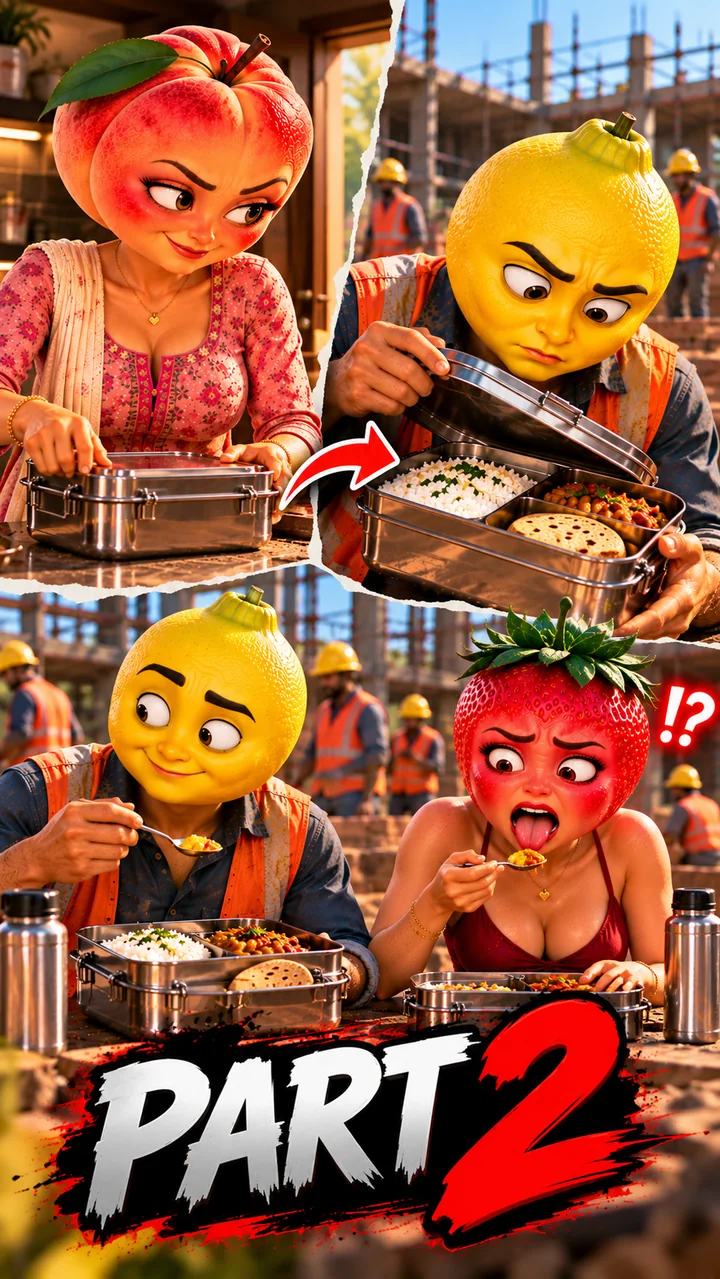
Most bad AI videos come from bad prompts. A vague prompt gives the tool too many choices, and it picks the wrong ones. A clear structure removes the guesswork, saves generation credits and makes your results predictable.
Here is a 7-part structure you can use for almost any story scene.
The 7 parts
1. Subject: who is in the scene, with the full character description
2. Action: what they are doing, in one clear sentence
3. Setting: where and when (place, time of day, weather)
4. Camera: shot type and movement (close-up, wide shot, slow zoom, low angle)
5. Lighting and mood: warm sunset, moody night, bright morning
6. Style: the visual look (3D animated, cinematic realistic, claymation)
7. Audio or dialogue: what is said, in which language, and how
Copy-paste template
```
Subject: [full character description]
Action: [one clear action]
Setting: [place, time of day]
Camera: [shot type, camera movement]
Lighting and mood: [lighting, emotion]
Style: [art style]
Dialogue: [character] says in Hinglish: "[short line]"
Avoid: no text on screen, no watermark, no extra fingers, no face change
```
Example
```
Subject: Ramu, a young lemon-faced worker in an orange safety vest and yellow helmet
Action: opens a steel lunch box and looks surprised
Setting: construction site, bright afternoon
Camera: medium close-up, slow push-in
Lighting and mood: warm sunlight, emotional
Style: soft 3D animated style
Dialogue: Ramu says softly in Hinglish: "Aaj toh khaana kuch alag hai..."
Avoid: no text on screen, no watermark, no face change
```
Tips that save credits
- One action per clip. "Walks in, sits down, cries and leaves" is too much for a short clip.
- Keep dialogue short. Around 10 to 12 words fits a short clip and syncs better.
- Name the camera. "Close-up" and "wide shot" change the result more than most people expect.
- Be specific about emotion. "Holding back tears" is better than "sad".
- Put the most important detail first. Tools give more weight to the start of the prompt.
Common mistakes
- Writing a paragraph of story instead of a scene
- Leaving out the camera and lighting
- Changing the character description between scenes
- Asking for on-screen text, which AI tools often spell wrongly. Add text later in an editing app.
Build it faster
The AI Video Prompt Builder on this site fills in this exact structure from simple form fields. You add the details, it builds the prompt, and you copy it into your video tool.