AI video · 10 Feb 2026 · 3 min read
How to Keep the Same Character in Every AI Video Scene
Faces and clothes changing between AI video clips? Learn a simple character card method to keep your character consistent in every scene.
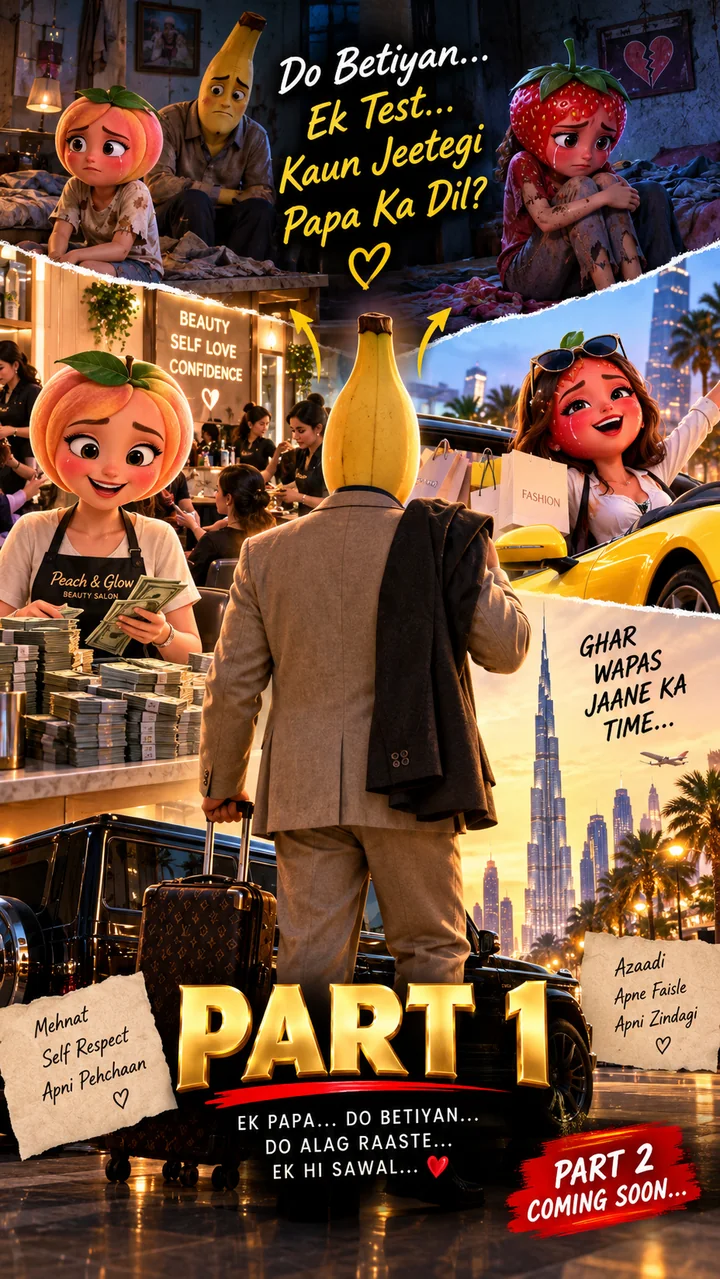
If you have ever made an AI story, you know the problem. Scene one shows a man with a red shirt and a neat moustache. Scene two shows a similar man with a blue shirt and no moustache. Viewers notice this immediately, and it breaks the story.
AI video tools generate each clip separately. They do not remember what your character looked like in the last clip unless you tell them again. The fix is not a magic setting. It is a habit: describe the character the same way, every time.
Step 1: Build a character card
Before writing any scene, write one fixed description of each character and never change its wording. A good card includes:
- Name and type: for example, "Chiku, a small round black bomb character"
- Face and head: shape, color, expression style, glasses, hair
- Outfit: exact colors and clothing pieces ("pink hoodie, black pants, red sneakers")
- Signature prop: something recognizable, like a mug or a cap
- Art style: for example, "soft 3D animated style"
- Voice style: calm, loud, funny, serious (useful for dialogue)
Step 2: Paste the full card into every scene prompt
Do not write "Chiku from before". The AI does not know what that means. Copy the whole card at the start of each prompt. It feels repetitive, but repetition is what creates consistency.
Step 3: Change only the action
Keep everything about the character fixed and change only the scene: location, action, camera and mood. If you change the outfit or art style between prompts, the character will change too.
Step 4: Use short, concrete words
"Wearing a bright pink hoodie" works better than "stylish casual clothing". Specific colors and objects give the tool fewer chances to guess.
Step 5: Add a small negative instruction
Ending each prompt with a line such as "same face, same outfit, no costume change" can reduce random changes.
Step 6: Use a reference image when your tool allows it
Some tools let you start from a reference image or a first frame. If yours does, generate your character once, keep the best image, and reuse it as the reference for later scenes.
Common mistakes
- Changing one word in the card each time ("maroon" in one prompt, "red" in the next)
- Adding new accessories in later scenes
- Mixing art styles between scenes
- Writing very long prompts that bury the character details
The easy way
Our free AI Video Prompt Builder stores your character card in your browser and adds it to every scene automatically, so you never have to copy and paste by hand.